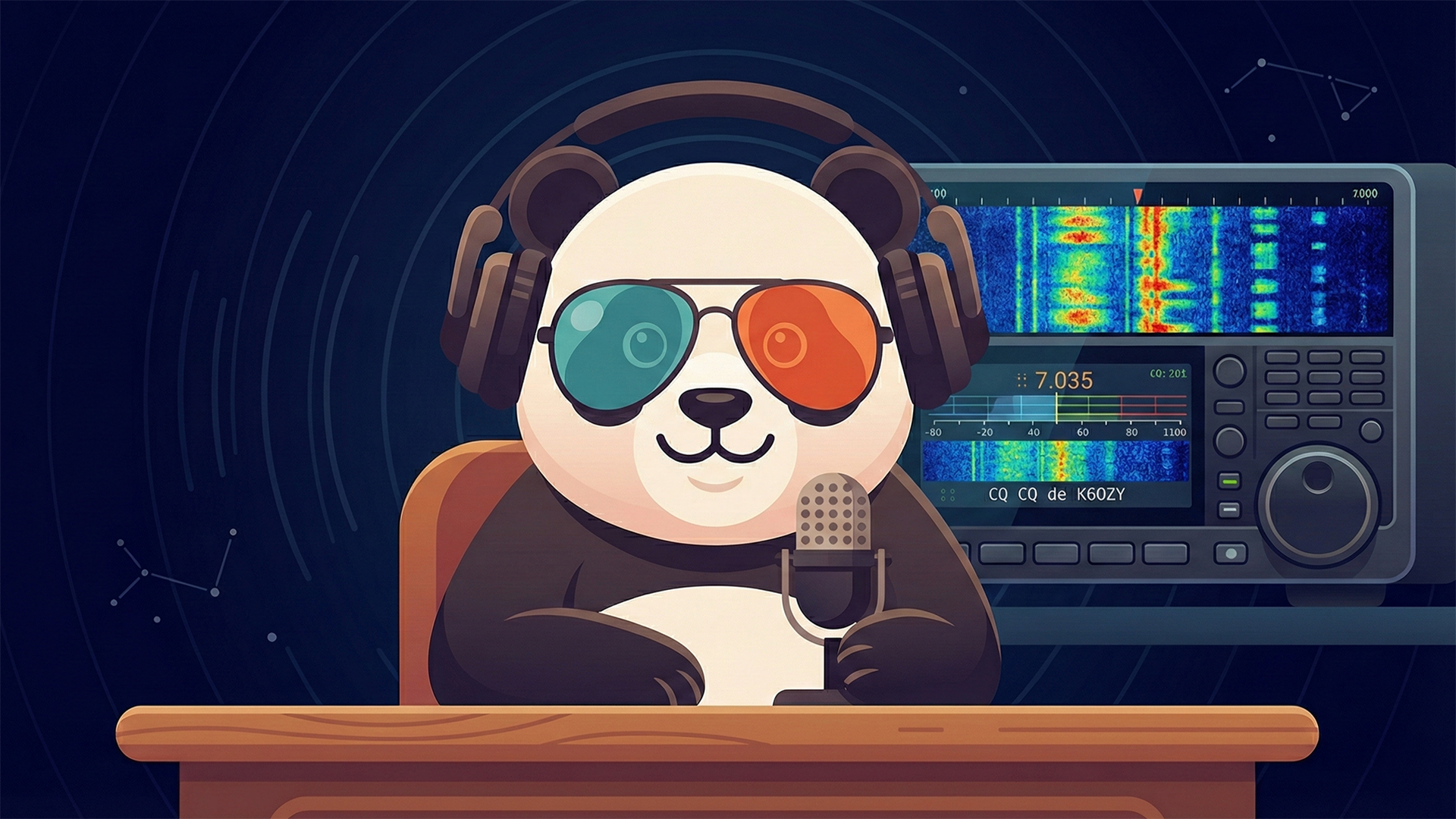
What is Olivia?
Olivia is a digital mode designed by Pawel Jalocha (SP9VRC) for amateur radio communication in difficult conditions. Unlike modes like PSK31 or RTTY, Olivia uses Multiple Frequency Shift Keying (MFSK) with forward error correction to decode signals well below the noise floor.
Weak Signal Performance
Olivia can decode signals at -14 dB below the noise level - you can copy stations you can't even hear!
QSB Resistant
Built-in error correction handles fading and atmospheric conditions that would destroy other modes.
Flexible Formats
Choose from 40+ bandwidth/tone combinations. Narrow modes for crowded bands, wide modes for speed.

Common Olivia Formats
These are the most popular Olivia configurations. The format is written as Bandwidth/Tones (e.g., 500/16 means 500 Hz bandwidth with 16 tones).
| Format | Bandwidth | Tones | Speed (WPM) | S/N Threshold |
|---|---|---|---|---|
| 500/16 | 500 Hz | 16 | ~20 | -13 dB |
| 500/8 | 500 Hz | 8 | ~30 | -11 dB |
| 250/8 | 250 Hz | 8 | ~15 | -14 dB |
| 1000/32 | 1000 Hz | 32 | ~24 | -12 dB |
| 125/4 | 125 Hz | 4 | ~10 | -15 dB |
What You Need
1. HF Transceiver
Any SSB-capable radio works. Modern rigs like the IC-7300, FT-991A, or TS-890S have built-in USB audio - no external interface needed!
Radio Guides2. Digital Interface
Connect your radio to your computer. Options include SignaLink USB, Digirig Mobile, or your radio's built-in USB soundcard.
Setup Guide3. fldigi Software
Free, open-source, cross-platform. The gold standard for Olivia operation on Windows, macOS, and Linux.
Download fldigiSample CQ Macro
Olivia needs longer CQs than PSK or RTTY. Give listeners time to identify your mode and sync up.
CQ CQ de <CALLSIGN> <CALLSIGN>

CQ CQ de <CALLSIGN> <CALLSIGN>

CQ CQ de <CALLSIGN> <CALLSIGN> pse KReplace <CALLSIGN> with your own callsign before using.
Tip: Wait 45-60 seconds between CQs. Patience is key with Olivia!